Product polls
Shoppers vote on your products, colors or new ideas. Votes are counted right away and visitors see the results with percentages after voting.
 Poll & Vote: Product Waitlist Get the app
Polls · Voting board · Launch waitlist · Supported in Aria
Before you make something new, ask your shoppers. Poll & Vote adds a poll to any page: visitors vote on which product, color or design you should launch, see the results and join the launch waitlist.
Try the live demo View on App MarketOne Pro plan with a 7-day free trial.
Live demo
The block below runs the same code merchants install. Vote to see the results, then try the waitlist form. Nothing is saved or sent: reload to start over.
The mug pictures are illustrations: on your site options can be your store products with their photo and link, text, or images from your media library. The vote counts before yours are sample numbers.
What you get
Shoppers vote on your products, colors or new ideas. Votes are counted right away and visitors see the results with percentages after voting.
Every design gets its own card and vote button, with a vote goal and a leaderboard.
After voting, visitors leave their name, email, phone or an answer to your question. Signups go to your contacts with a label and export to CSV.
A quiz with one correct answer shows your discount code to visitors who get it right.
Pick products from your store with their photo and link, or use text and images from your media library.
Set start and end dates with a countdown, choose how many votes each visitor has, and reset the votes to start a new round.
Five styles, your colors, result bars and width. Fonts come from your site theme.
The poll follows your site language in 30 languages, and you can translate your question and options. The dashboard speaks English and Spanish. Aria, the Wix AI assistant, can list your polls, read-only.
What you see
Build the poll next to a live preview, then follow the results and the waitlist on one page.
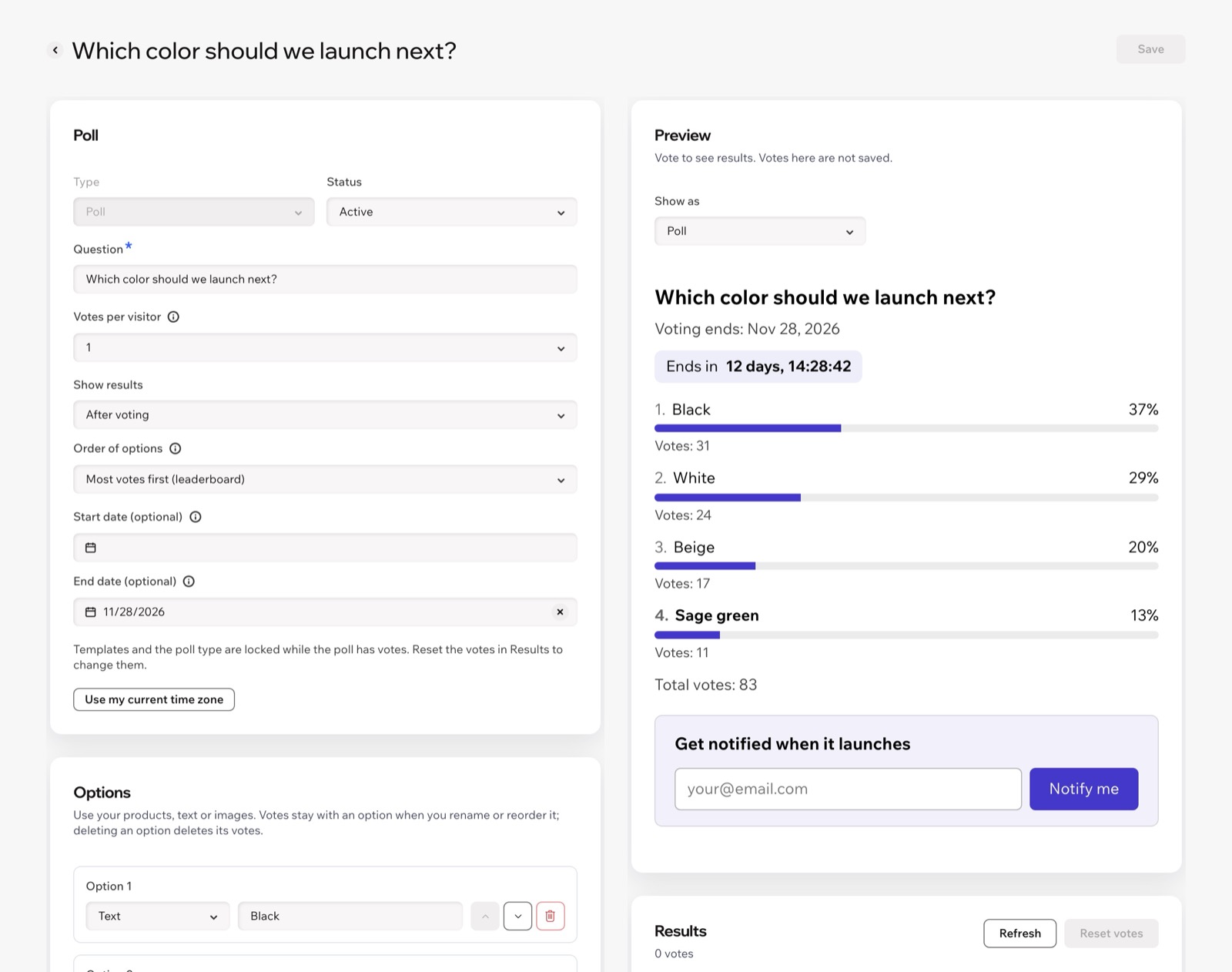
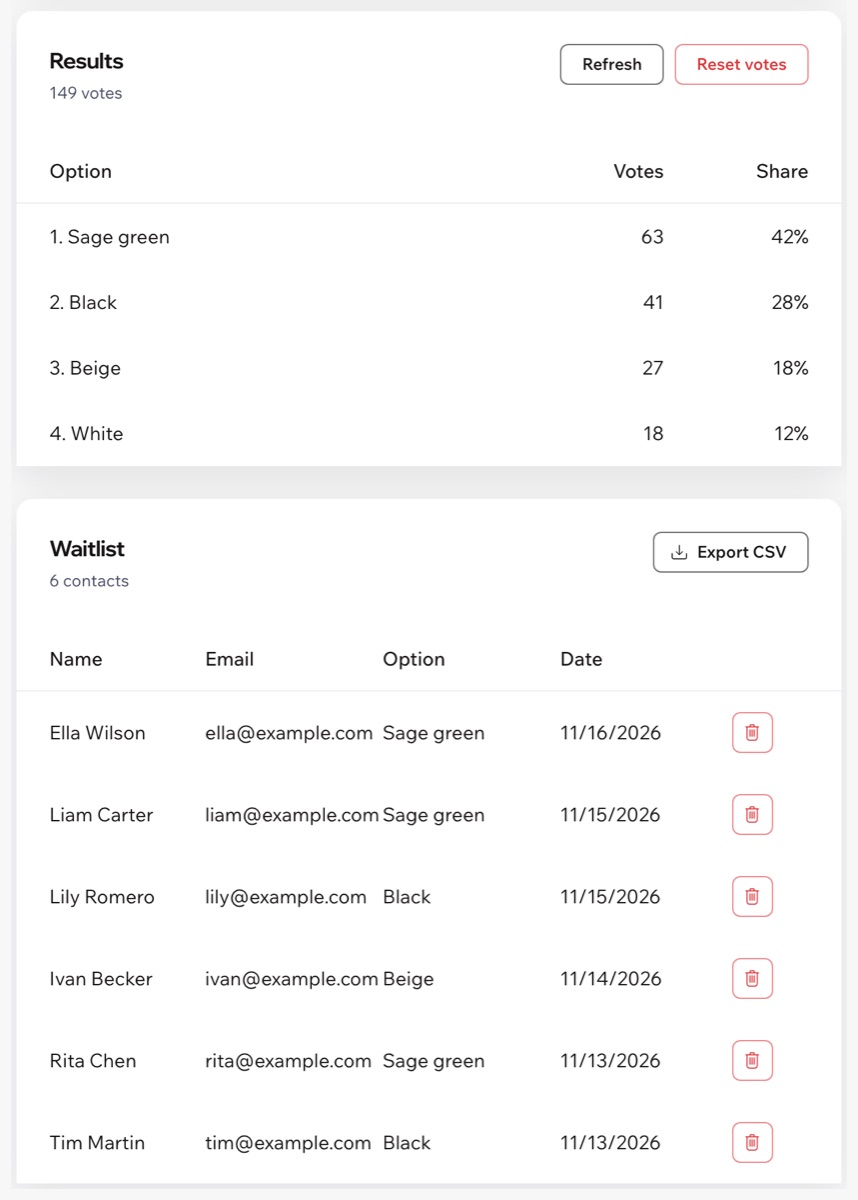
Screenshots of the app dashboard with sample polls and contacts.
Pricing
Monthly or yearly · 7-day free trial
There is no free plan. Build your polls first: they appear on your live site once your free trial or Pro plan is active. Prices are shown on the App Market listing.
Create a poll in the app dashboard. In your editor, add the Product Poll or Voting Board widget from the app widgets, choose the poll in its settings and publish your site.
Yes. Pick products from your store and the poll shows their photo and a link to the product page. Options can also be plain text or images from your media library.
You choose: one vote, up to 10, or one for every option. A visitor who comes back sees their vote and the results instead of voting again.
Right after voting, only when the poll ends, or never: then only you see them in the dashboard.
To the waitlist of the poll in your dashboard, and to your site contacts with the Product waitlist label, so you can email them when the product is ready. You can export the waitlist to CSV.
Yes. Reset the votes in the poll results. You can keep the waitlist or clear it together with the votes.
Visitor texts follow your site language in 30 languages, and you can translate your question and options in the dashboard. The dashboard is in English and Spanish.
Yes. The poll and the voting board adapt to small screens and work with the keyboard.