Positive feedback
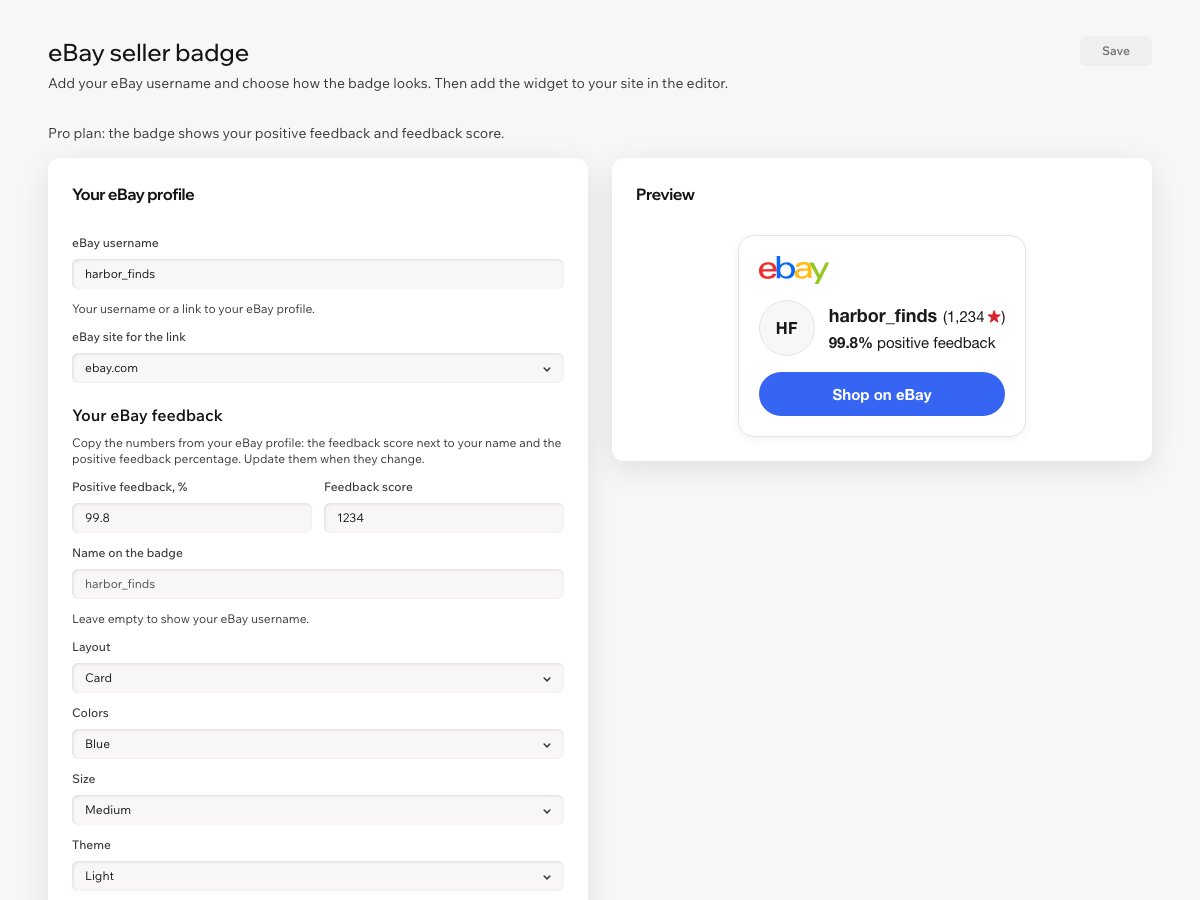
Your positive feedback percentage for the past 12 months and your feedback score, as eBay shows them. Hide the score if you like. Pro plan.
 Seller Badge for eBay Get the app
For eBay sellers · Supported in Aria
Show your name, positive feedback and eBay feedback score in a small badge, with a Shop on eBay button that opens your profile. Enter your eBay username and copy two numbers from your eBay profile. No eBay sign-in.
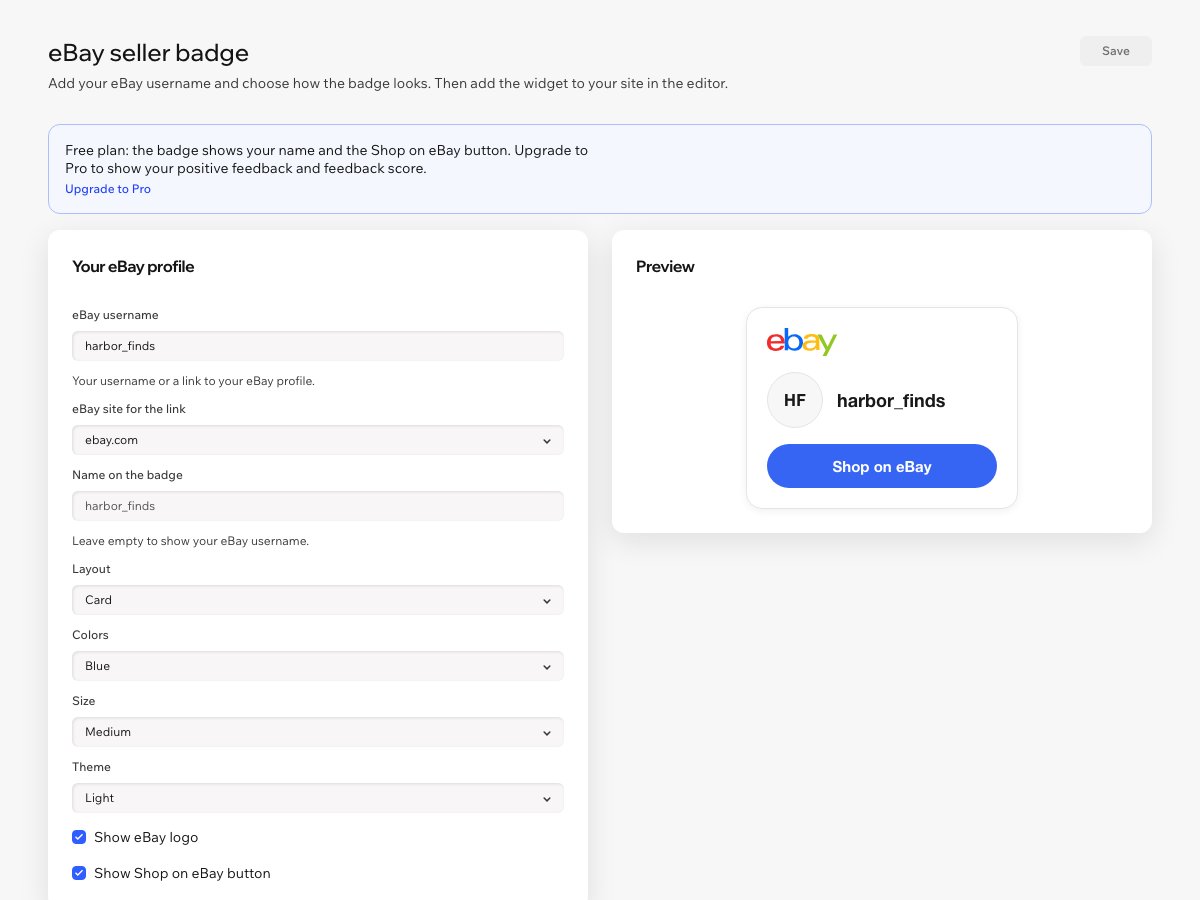
Try the live demo Get it on the App MarketFree plan with your name and the Shop on eBay button. Pro adds positive feedback and your feedback score.
Live demo
The badge and the plan rules run the same code you install. The seller and the numbers are made up, and the links open the eBay home page. Nothing is saved or sent.
What you get
Your positive feedback percentage for the past 12 months and your feedback score, as eBay shows them. Hide the score if you like. Pro plan.
A button that opens your eBay profile, so visitors can see your listings and buy there. Your name links to it too. Free.
Enter your eBay username or paste your profile link. No eBay password, no developer account, nothing to connect.
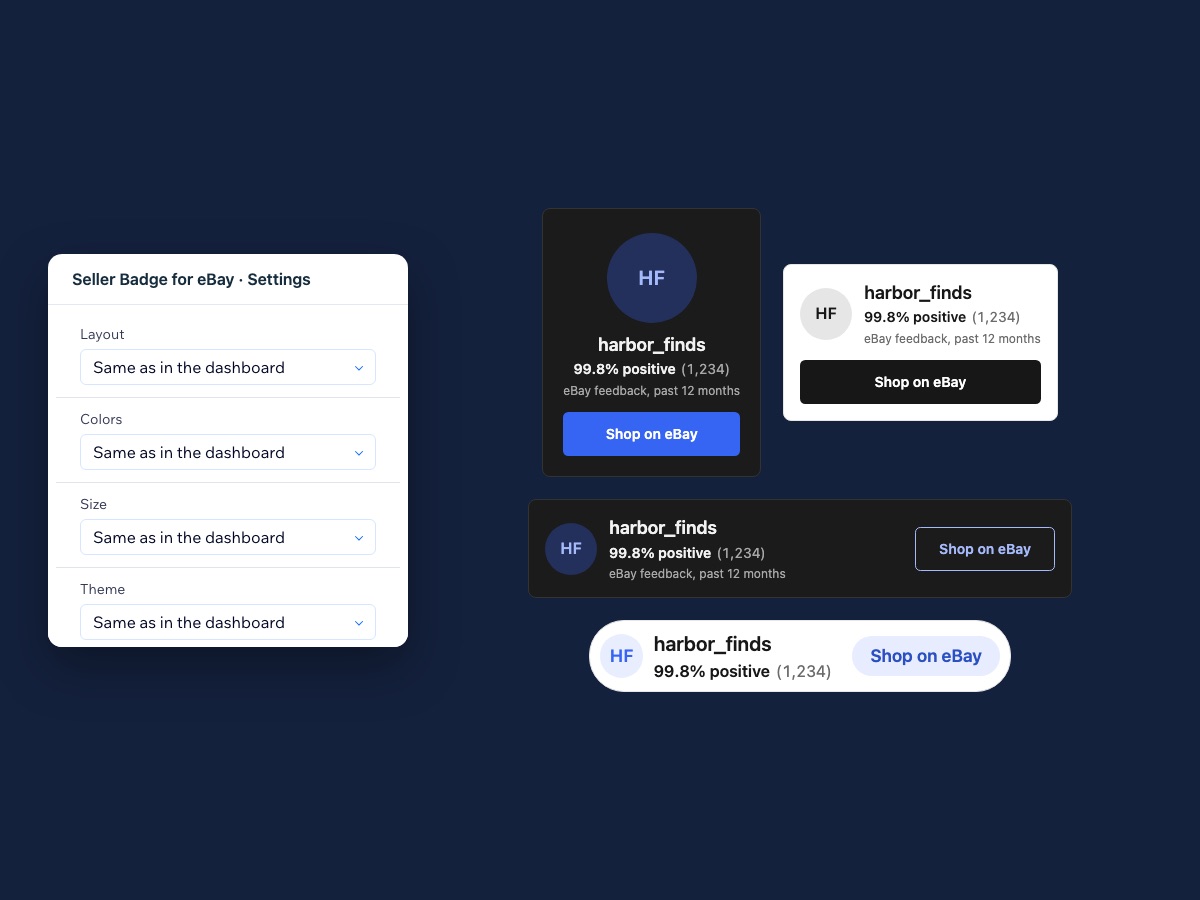
A card, a wide bar for footers, a compact pill for sidebars, or a centered profile for your About page.
Blue, black, soft, outline or your own color. Light, dark or no background, in three sizes.
The eBay logo, your feedback score with its star in eBay level colors and pill buttons, so shoppers recognize your eBay profile at a glance. Pick which eBay site the links open, like ebay.co.uk or ebay.de.
Aria can tell you what the badge shows and when it last updated, read-only.
Labels and numbers follow your site language, right-to-left included. The dashboard is in 9 languages.
How you set it up
Enter your eBay username or profile link in the app dashboard. Choose the look and watch the preview. Then add the Seller Badge for eBay widget to any page in the editor.
Pricing
$0
$1.99/month
or $1.49/month billed yearly · 7-day free trial
Prices shown in USD. Current plans and pricing are on the App Market listing.
In the app dashboard, enter your eBay username or paste a link to your eBay profile, like ebay.com/usr/yourname, and click Save. You never sign in to eBay or give the app your password.
No. You copy two numbers from your eBay profile into the dashboard: the feedback score next to your name and the positive feedback percentage. The app never asks for your eBay sign-in.
Open the app dashboard, change the numbers and click Save. The badge on your site updates right away.
Your eBay name, linked to your profile, and the Shop on eBay button, in every layout, color, theme and size. Pro adds your positive feedback percentage and feedback score, with a 7-day free trial.
Clear the username in the dashboard and save, or remove the app.
Yes. In Wix Editor and Wix Studio, add the Seller Badge for eBay widget from Add Elements, under App Widgets. In Wix Harmony, ask Aria in the editor to add it. Then publish your site.