Updates by itself
Add, rename or replace a file in Dropbox and your page shows it within a few minutes. Nothing to upload twice.
 Dropbox Folder: File Library Get the app
Any page · Dropbox · Members only · Supported in Aria
Paste the share link of a Dropbox folder and add the block to a page. Visitors browse, open and download your price lists, catalogs, menus and photos. Add or replace a file in Dropbox and the page updates by itself within a few minutes.
7-day free trial, then $4.99/month or $3.99/month billed yearly.
Live demo
The block below runs the same code merchants install. Open a subfolder, search, sort, switch to the grid, or try the members-only folder. Nothing is saved or sent.
Harbor Lane Bakery
Our latest price lists, catalog and product photos for shops and cafés.
The bakery and its folders are made up for this demo: the photos are illustrations, PDFs open as one-page demo files and downloads are not saved. On your site the block lists your real Dropbox folder.
What you get
Add, rename or replace a file in Dropbox and your page shows it within a few minutes. Nothing to upload twice.
A clean list with type, size and date, or a grid with image previews. Hide the size or date if you don't need them.
Visitors open subfolders inside the block, search by name and sort by name, date or size.
PDFs, photos, audio and video open right in the browser. Every file can be downloaded.
Keep a folder for logged-in site members. Visitors see a Log in button instead of the files.
Connect up to 20 folders and show each one on its own page. Your Dropbox link is never shown to visitors.
Fonts and text colors follow your site theme, with an optional accent color. Works on phones.
The block follows your site language in English and Spanish. Aria, the Wix AI assistant, can list your folders and who can see them, read-only.
What you see
No Dropbox login in your dashboard: paste the folder's share link, check that it opens and choose who can see the files. One look for every block on your site.
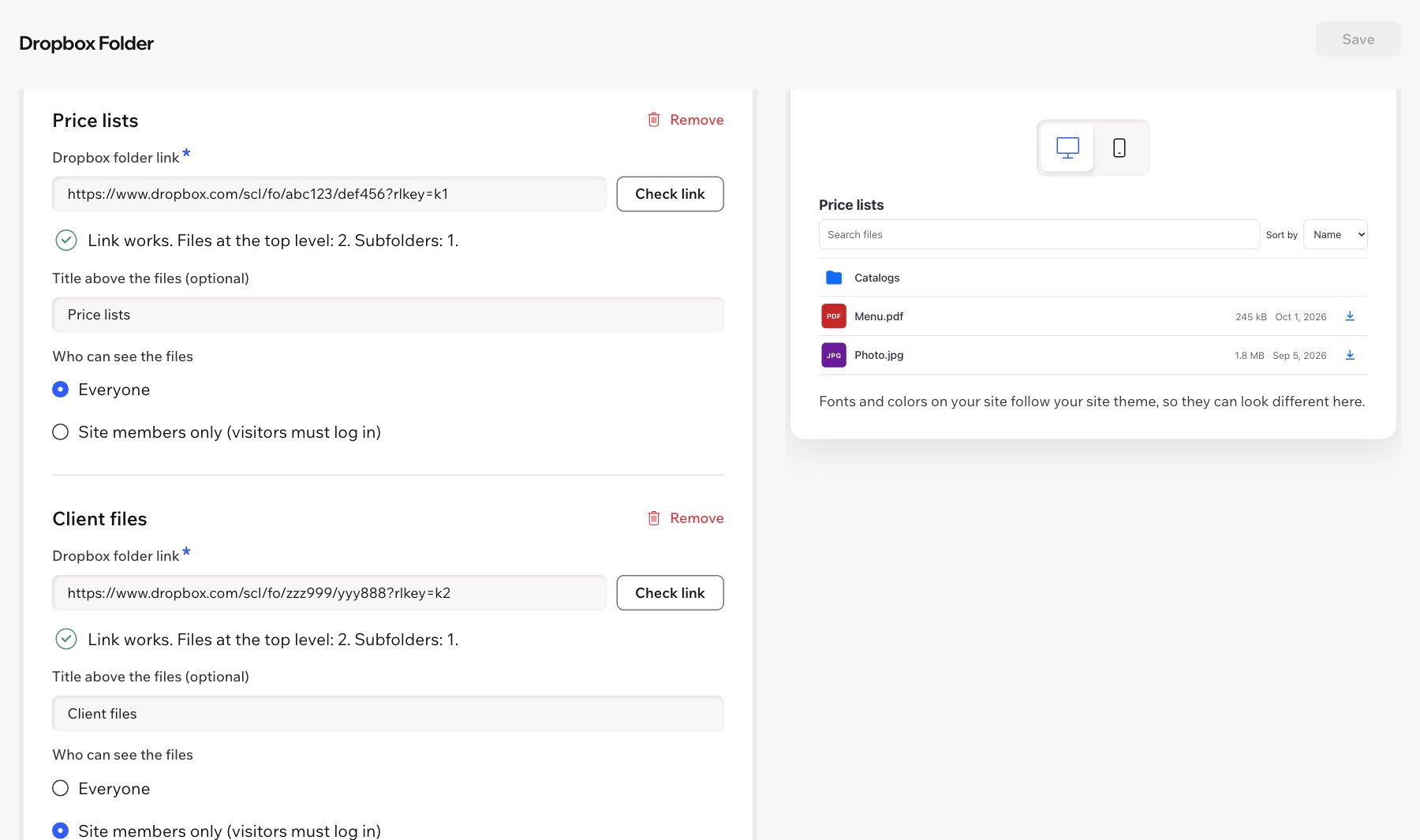
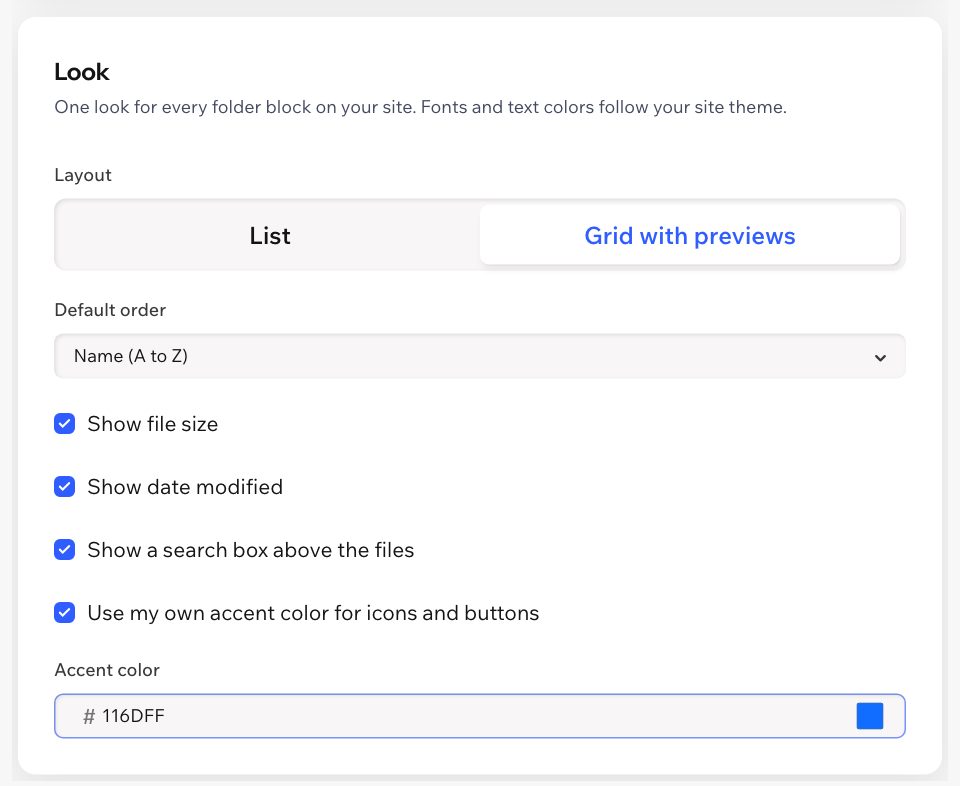
Screenshots of the app dashboard with sample folders.
Pricing
$4.99/month
or $3.99/month billed yearly · 7-day free trial
There is no free plan. Set up your folders first: they appear on your live site once your free trial or Pro plan is active. Prices in USD; current prices are on the App Market listing.
No. In Dropbox, click Share on the folder, let anyone with the link view it and copy the link. Paste it in the app dashboard and click Check link.
Within a few minutes. The app keeps the folder list for up to 5 minutes, then reads it again from Dropbox.
No. Visitors see the file names, sizes and dates. Files reach them through the app, and the link to your folder is never shown on your site.
Choose Site members only for a folder. Visitors who aren't logged in see a Log in button; after logging in with your site's member login, they see the files.
PDFs, photos, audio, video and plain text open in a new tab. Other files, like spreadsheets or ZIP archives, download. Every file has a download button.
The block shows up to 2,000 items per folder or subfolder. Use subfolders to organize larger libraries. Each file is prepared in the visitor's browser before it opens, so very large files (hundreds of MB) can be slow on phones; for big videos or archives, share a smaller copy.
No. The library is read-only: visitors browse, open and download. You manage the files in Dropbox.
The block follows your site language in English and Spanish. The dashboard is in English and Spanish too.