

Drop a whole folder
Every file becomes a digital product with a private download. Buyers get the file right after they pay, and nobody can download it without buying.
 Bulk Digital Product Upload Get the app
For Wix Stores · Digital products · Supported in Aria
Drop up to 200 files, such as PDFs, ZIP packs, presets, music, videos or photos. Each file becomes a product in your store with the file attached as a private download.
Try the live demo View on App Market7-day free trial, then $6.99/month or $5.59/month billed yearly. Try it on up to 10 products before choosing a plan.
Live demo
This is the same dashboard page sellers install. Drop your own files or a folder, or add our sample files, set a price and create the products.
This is a demonstration. Your files stay in your browser: nothing is uploaded and no products are created. The plan, store categories and past upload are made up. Reload the page to start over.
What you get
Every file becomes a digital product with a private download. Buyers get the file right after they pay, and nobody can download it without buying.
Product names come from the file names. Change any name or price in the list before creating.
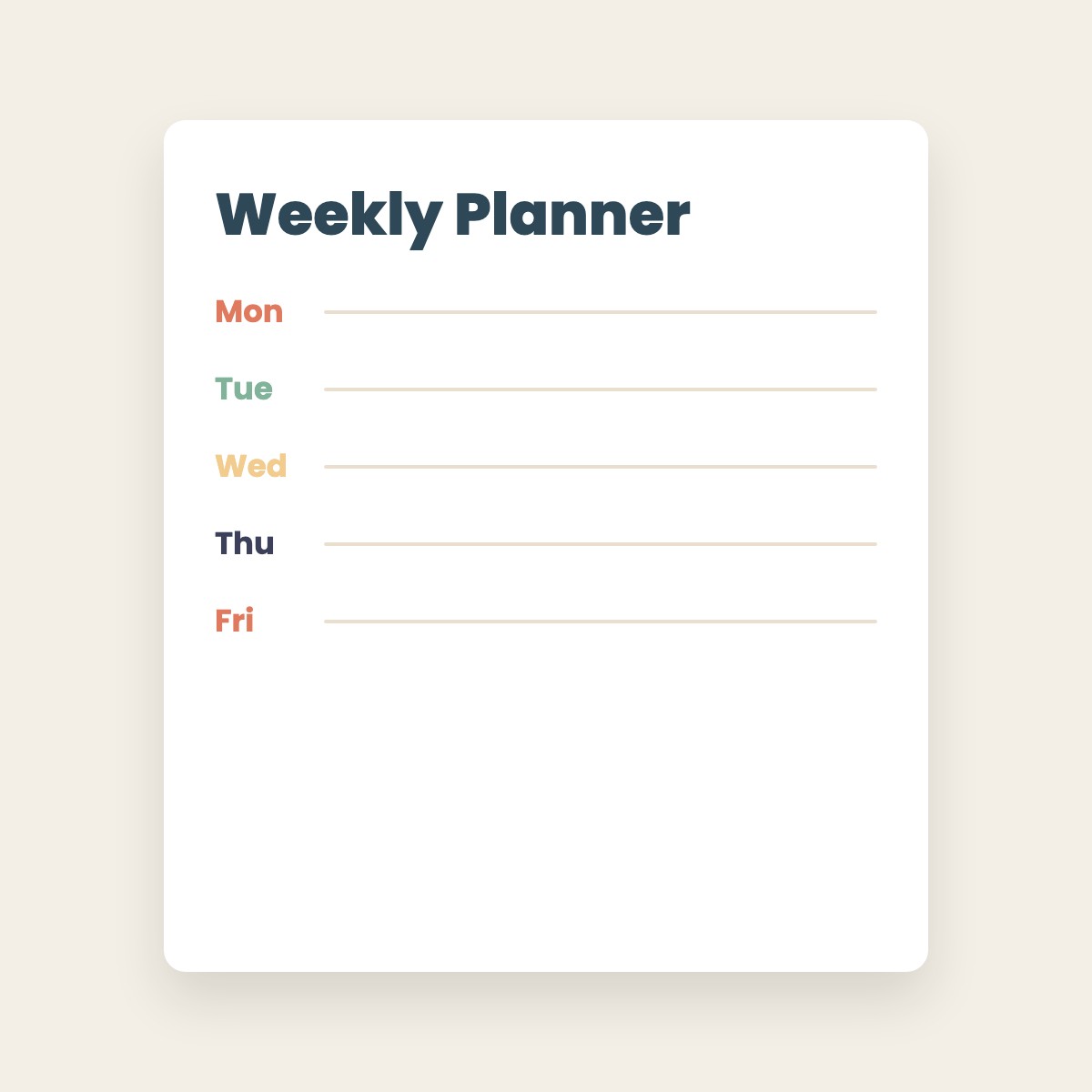
A picture with the same name as a file in the same folder becomes its product image, like song.mp3 and song.jpg.
One price, description and category for the whole upload, or a new category on the spot. Choose whether products show in your store right away.
Selling photos? Each photo gets a smaller preview as its product image, with your watermark text across it on a plan. Buyers receive the original.
Large files upload in parts and resume after a short connection drop.
Every upload is saved in a history, so you can delete all products from one upload in a click.
The dashboard speaks English and Spanish. Aria, the Wix AI assistant, can tell you your plan and recent uploads, read-only.
What you see
Add files, set the batch up once, check the list and create. The app works in your Wix dashboard and adds nothing to your site pages.
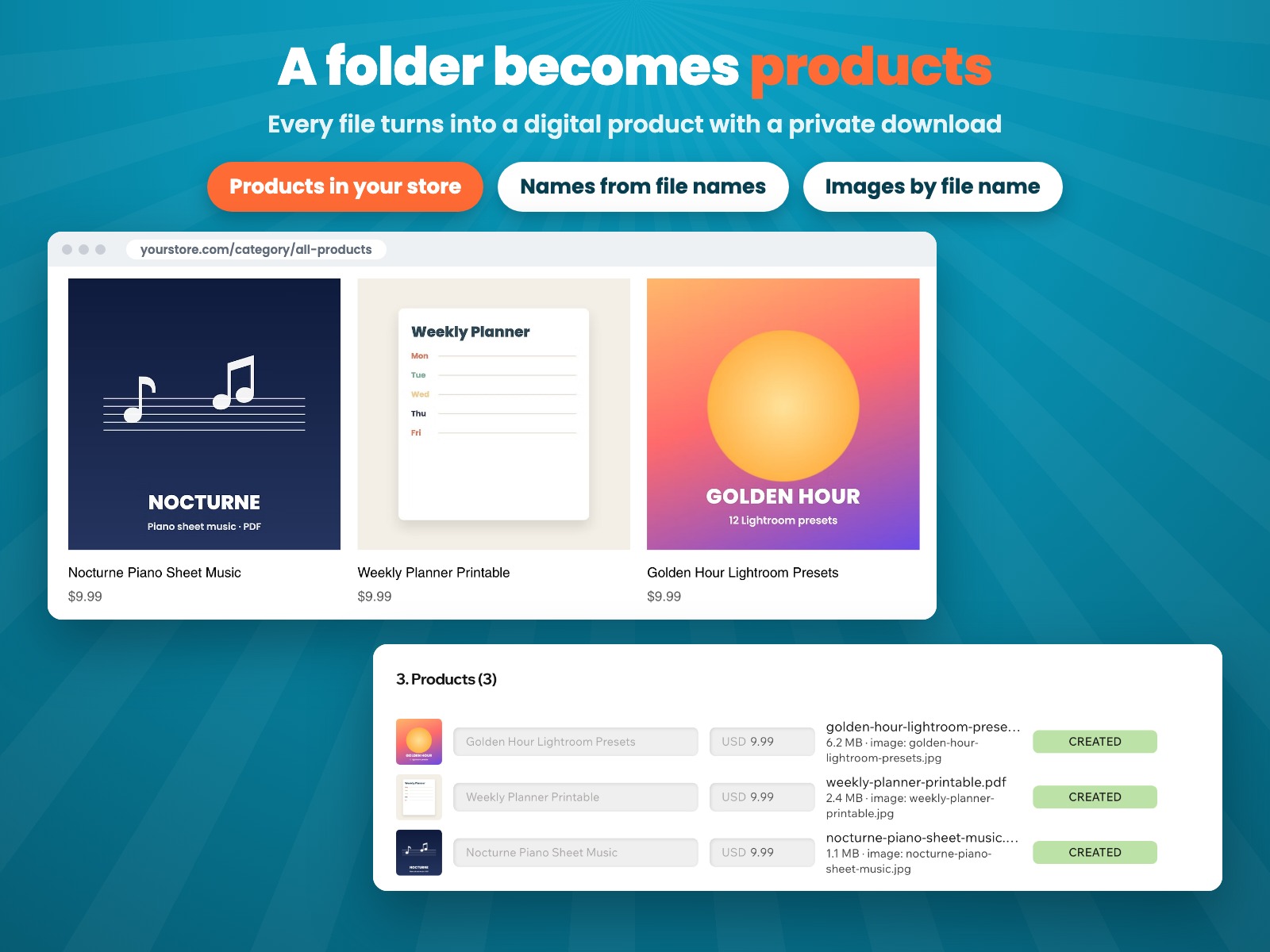
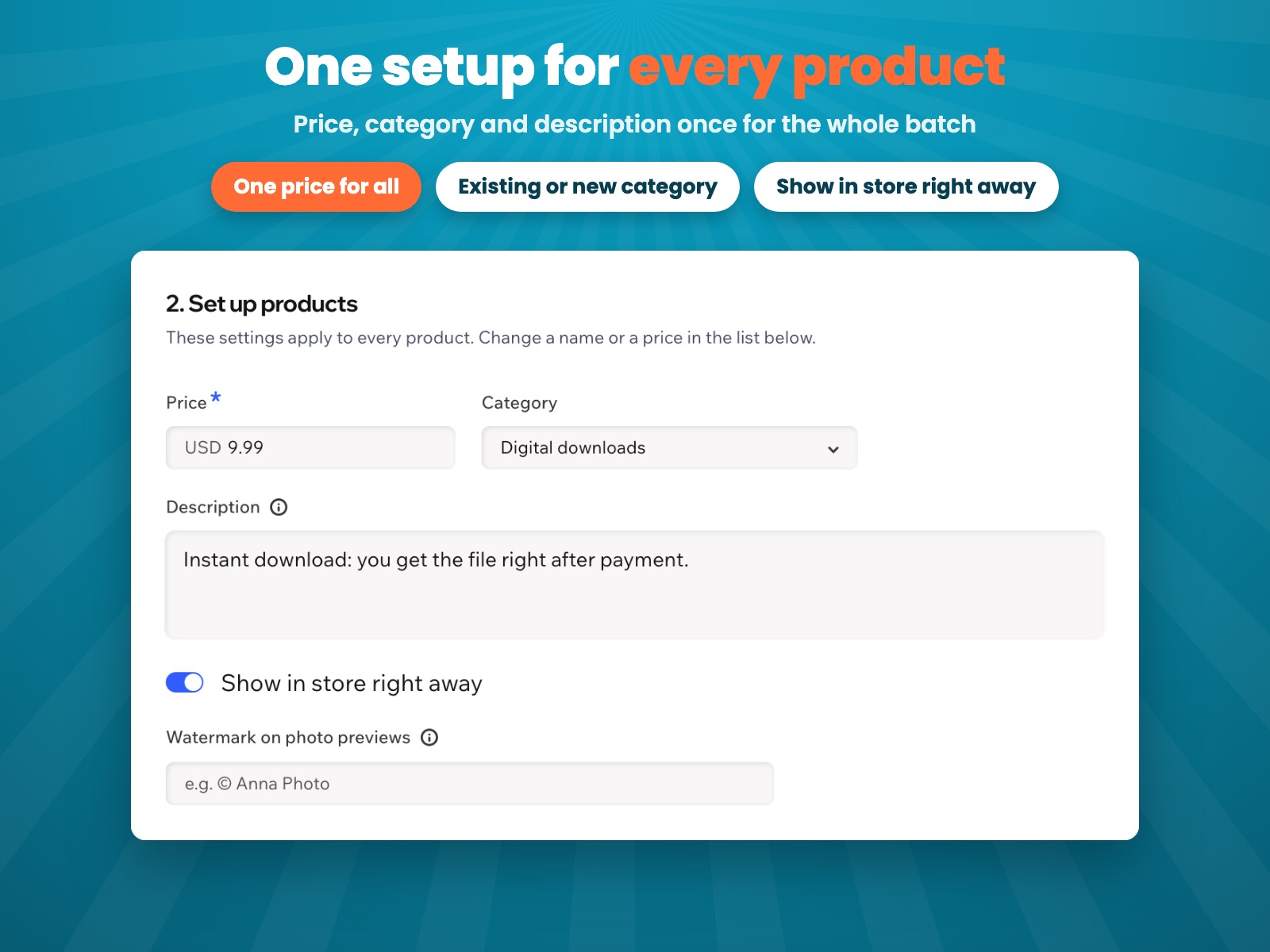
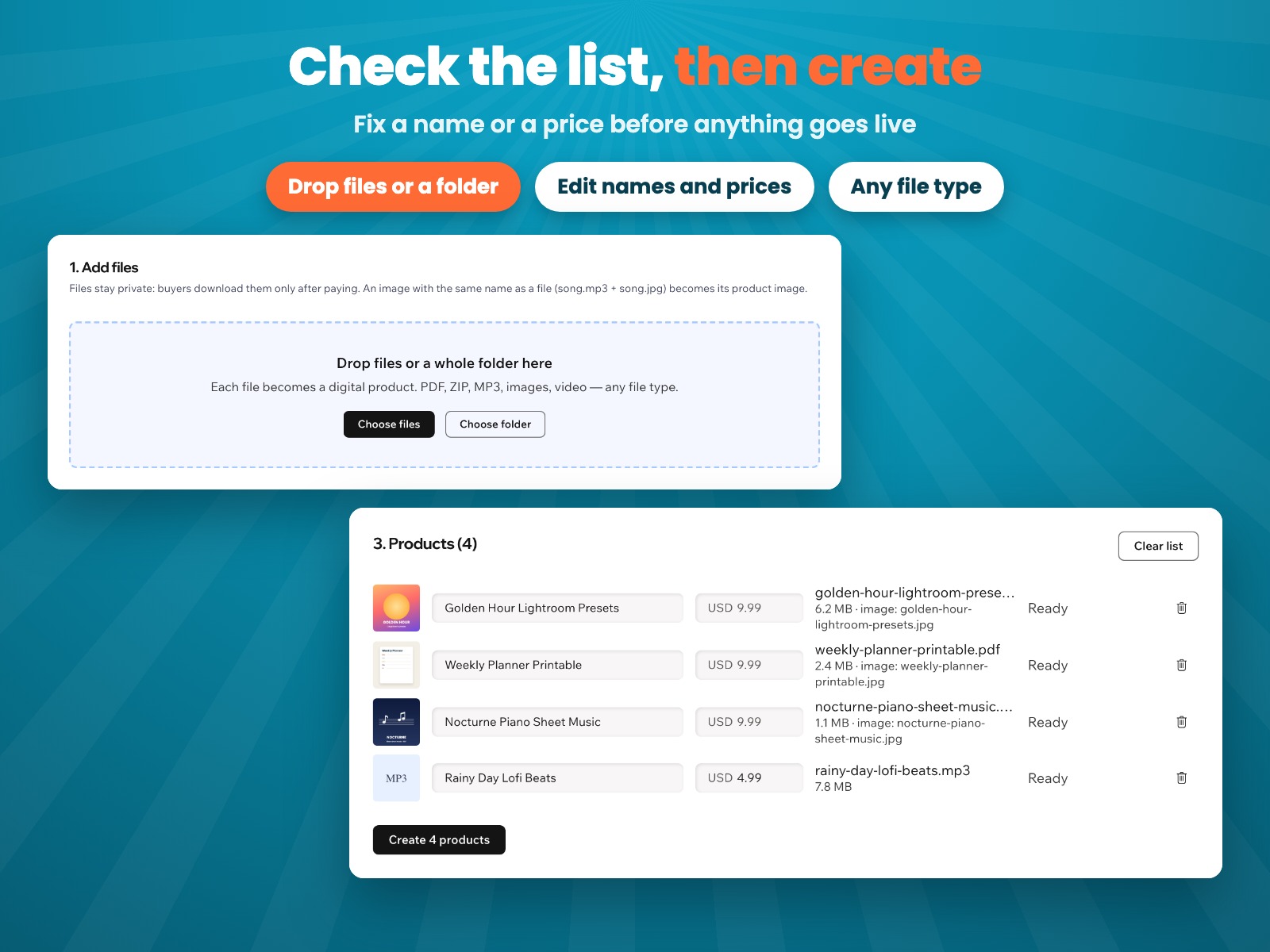
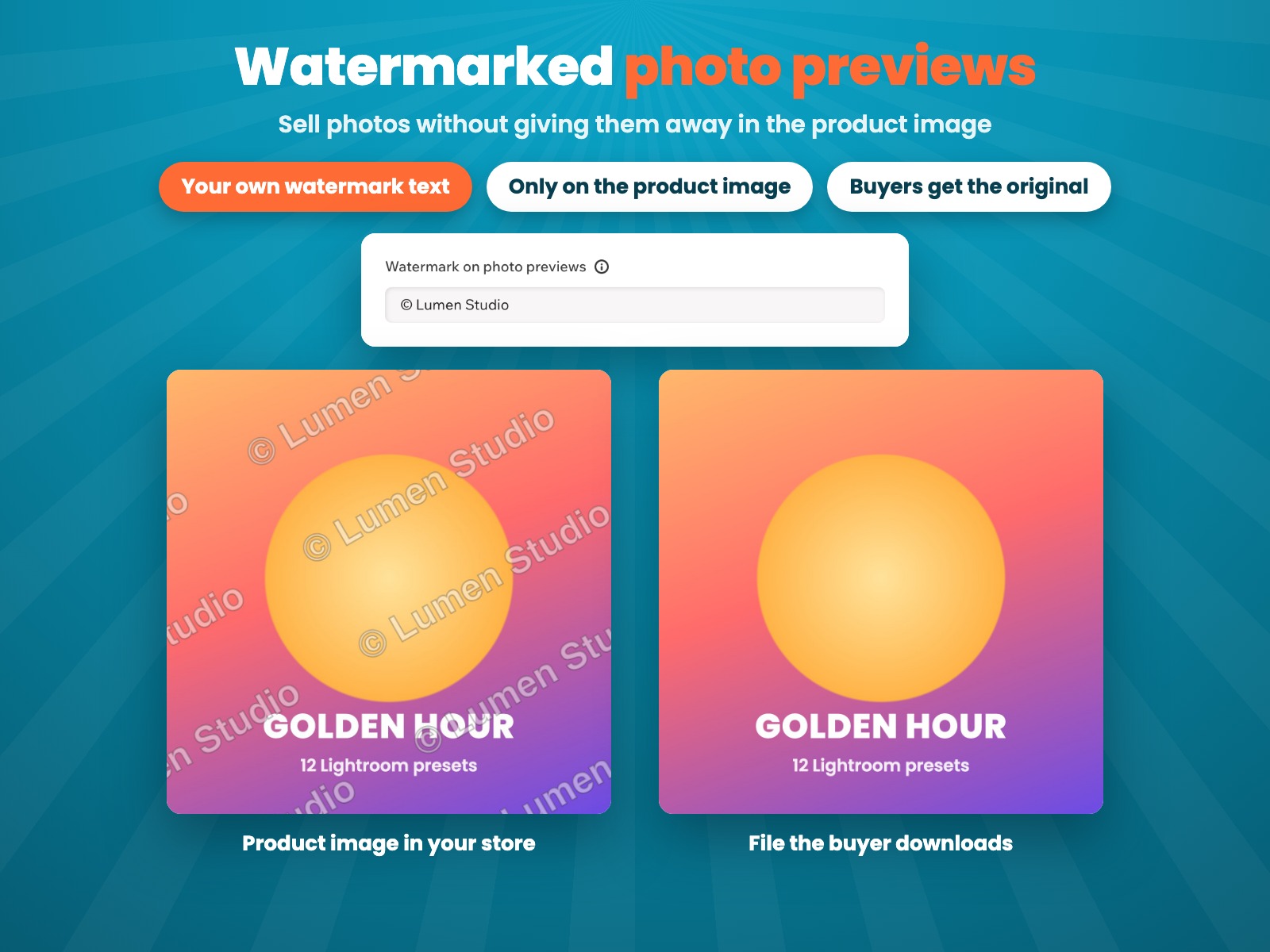
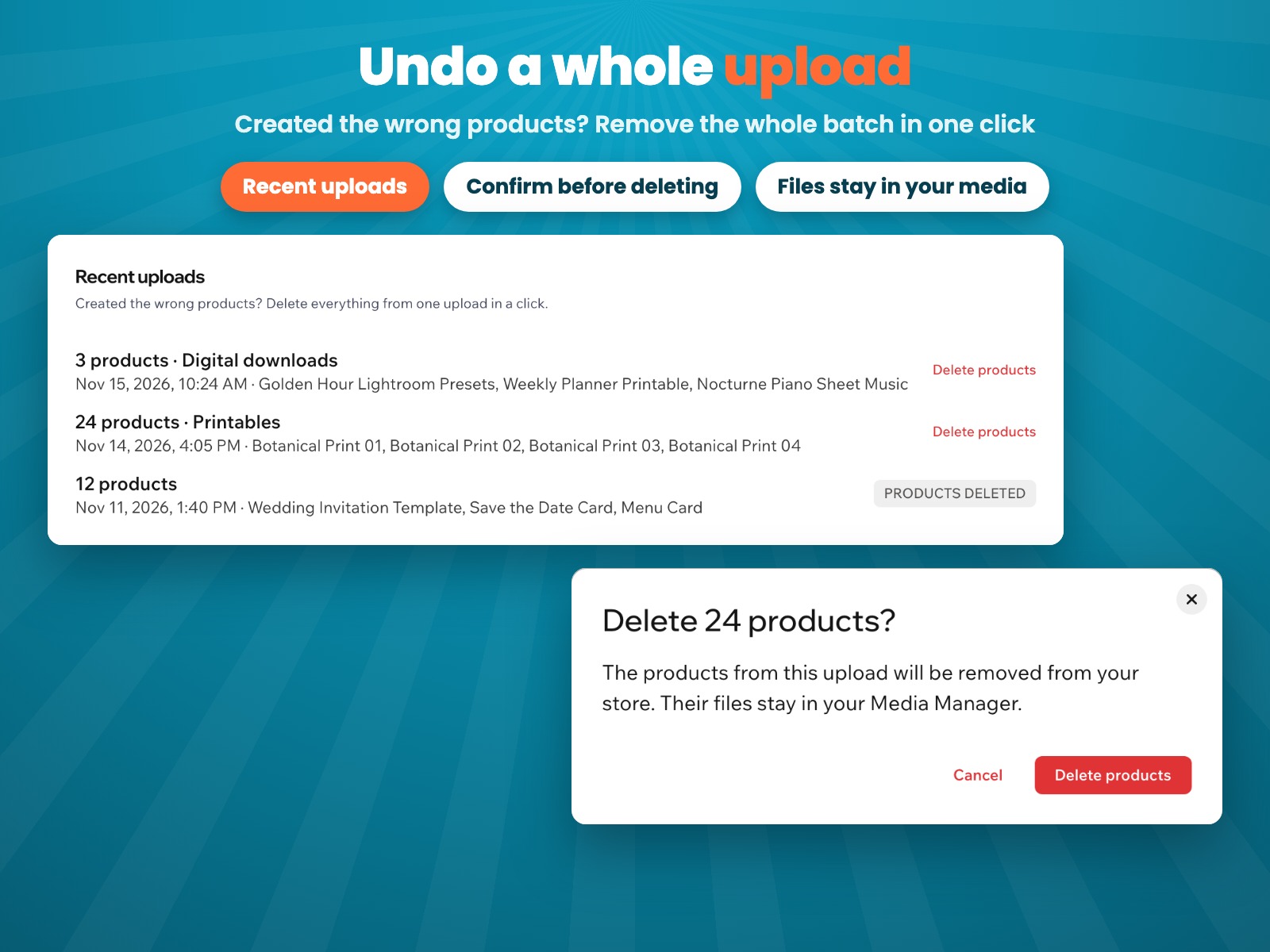
Images of the app dashboard and a store with sample products. The product covers were made by us.
Pricing
$6.99/month
or $5.59/month billed yearly · 7-day free trial
No plan yet? Create up to 10 products to try the app first. Prices shown in USD.
Wix Stores with the new product catalog. If your store still uses the old catalog, the app tells you so and creates nothing: Wix moves stores to the new catalog automatically, and the app works once yours is moved.
Any file type: PDFs, ZIP packs, presets, music, videos, photos and more. Add up to 200 files at a time, then add the rest in the next upload.
No. Each file is attached to its product as a private download, and buyers get it right after they pay.
A picture with the same name as a file in the same folder becomes its product image. When the file is a photo, the product image is a smaller copy of it, with your watermark text across it on a plan. Buyers receive the original.
Yes. Recent uploads lists every upload: click Delete products to remove all products from that upload. Their files stay in your Media Manager.
Yes, on up to 10 products. Start the 7-day free trial for unlimited uploads and watermarked photo previews.