Drag, tap or keys
The slider follows the mouse or a finger without jumps, and arrow keys, Home and End move it too. Optionally it follows the mouse without a click.
 Before After Get the app
For any Wix site · Supported in Aria
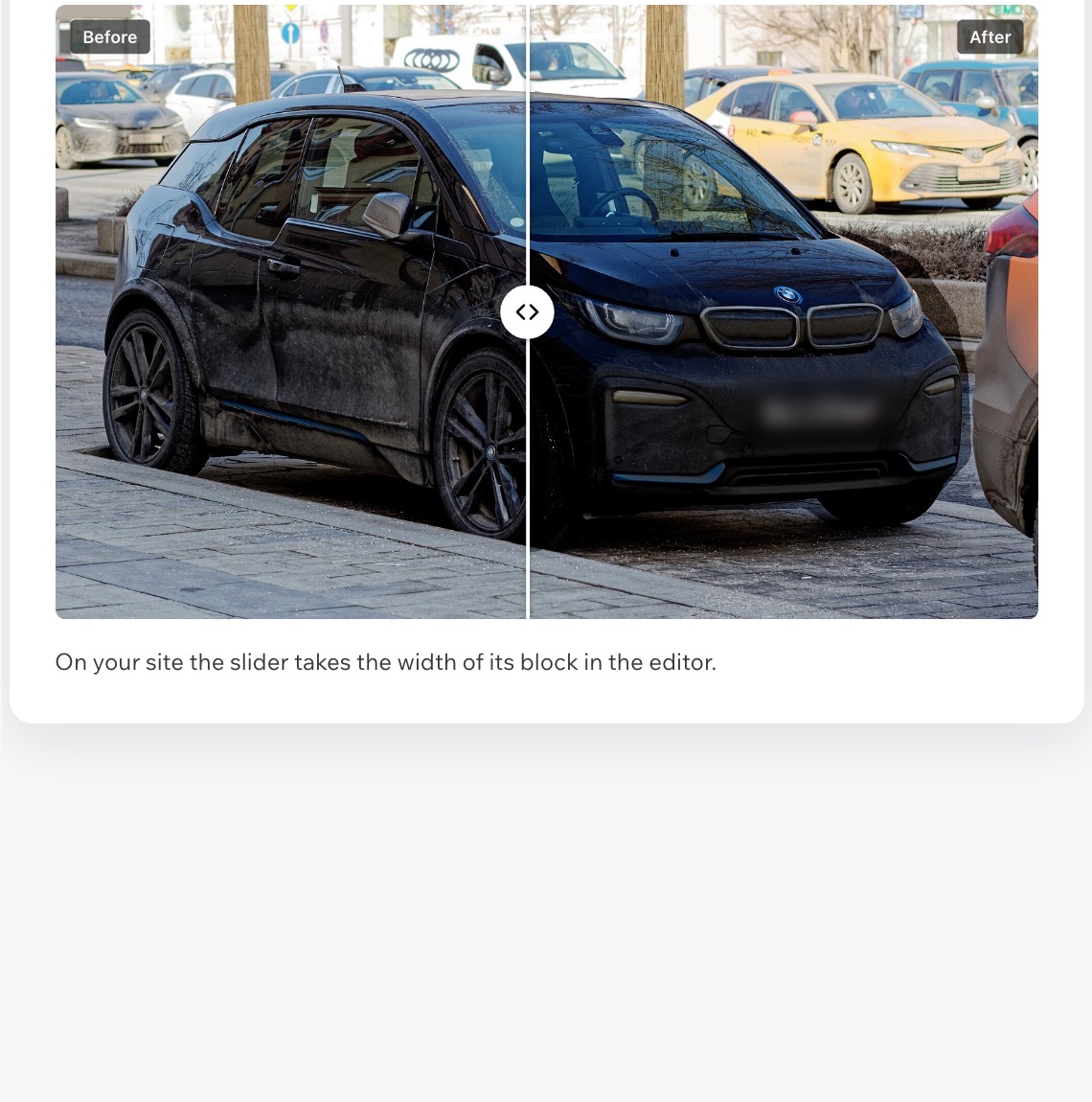
Before After: Image Comparison puts two photos on top of each other with a slider between them. Visitors drag it, tap it or use the arrow keys and watch the before turn into the after: renovations, car washes, cleaning, beauty, fitness, landscaping and any work where the result sells.
Try the live demo7-day free trial, then $3.49/month or $2.79/month billed yearly. No watermark.
Live demo
The block below runs the same code merchants install. Pick the photos and the look, then drag, tap or press the arrow keys. Nothing is saved or sent.
Exterior wash, clay bar and wax, inside and out. The page around the slider is an illustration.
Photos: CC0 from Wikimedia Commons; the clean car and the dusty dashboard are edited versions of the originals.
What you get
The slider follows the mouse or a finger without jumps, and arrow keys, Home and End move it too. Optionally it follows the mouse without a click.
Dragging the slider sideways does not block scrolling the page up and down. Touch targets are large enough for a thumb.
Each visitor gets a photo size that fits their screen, and photos below the fold load only when needed. PNG stays transparent.
Visitors never see sample photos. In the editor you see an example until you add your own comparison.
Side by side or top and bottom, where the slider starts, your labels, shape, corner radius, handle style and color — per comparison.
Create up to 50 comparisons and choose which one each block shows in its settings in the editor.
Each photo has a description for screen readers, and the slider announces how much of each photo is shown.
Labels follow your site language, the dashboard speaks both, and Aria, the Wix AI assistant, can read your comparisons.
What you see
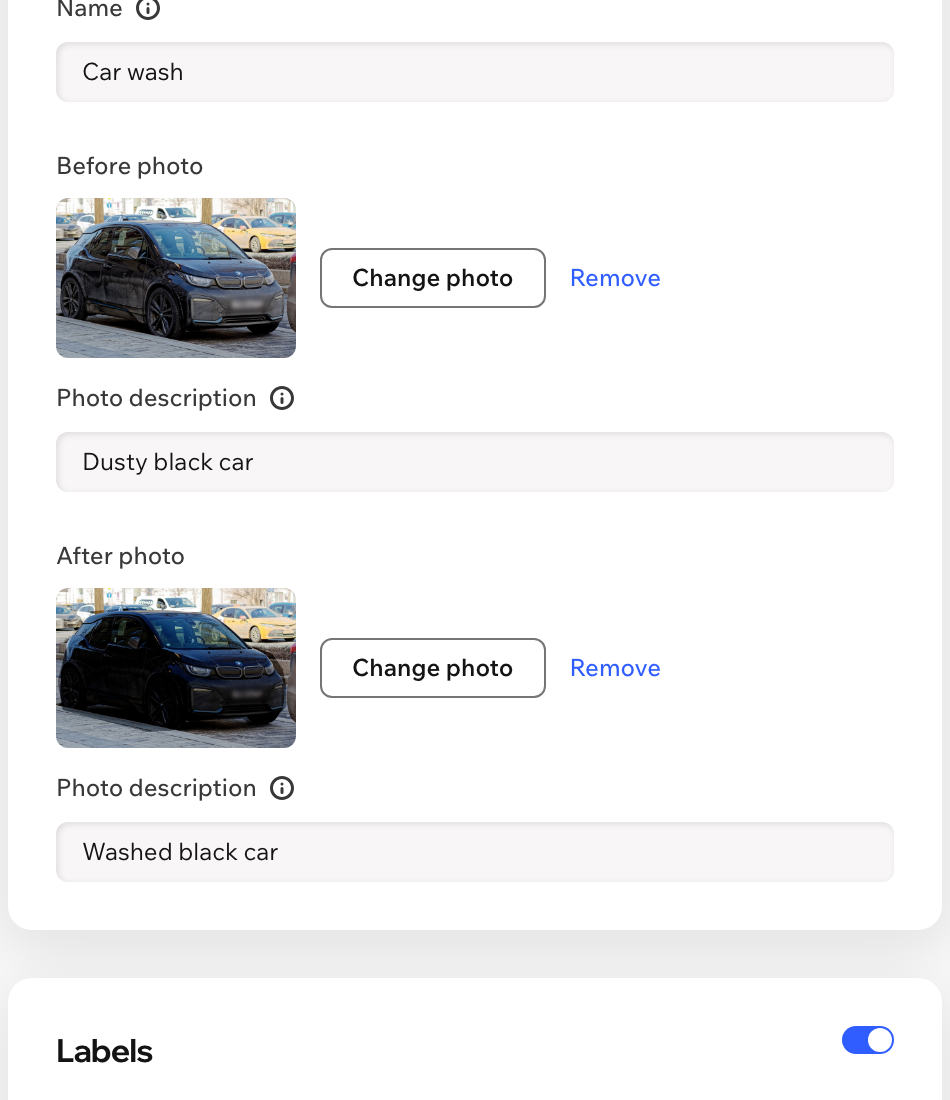
Choose both photos from your site media, describe them, set the look and drag the slider in the preview before you save.
Pricing
$3.49/month
or $2.79/month billed yearly · 7-day free trial
Set up everything before the trial starts: in the editor you see your comparison with a preview note, and visitors see it while your trial or plan is active. Prices shown in USD.
Two photos of the same view, taken from the same spot. Photos of the same size line up best; the shape can follow the before photo or be square, 4:3, 16:9 or portrait.
Yes. Create up to 50 in the dashboard and add the widget to as many pages as you like; each block shows the comparison you choose in its settings.
No. On your live site the widget shows only your own photos. If no comparison is ready, it stays empty for visitors and shows an example only to you in the editor.
Yes. Visitors drag the slider with a finger while the page still scrolls, and photos load in a size that fits the screen.
Nothing. You can set everything up first; the slider appears on your live site while your free trial or Pro plan is active.
Only your comparisons and settings, in a data collection on your own site. Photos stay in your site media. Nothing about visitors is stored.